do.next
A North Star vision for the next decade of DigitalOcean, told as four vignettes about the people who use it
Every company lives between what they dream of and what they can build today. That gap can feel impossible. Between the idea and the first step, complexity and decisions get in the way.
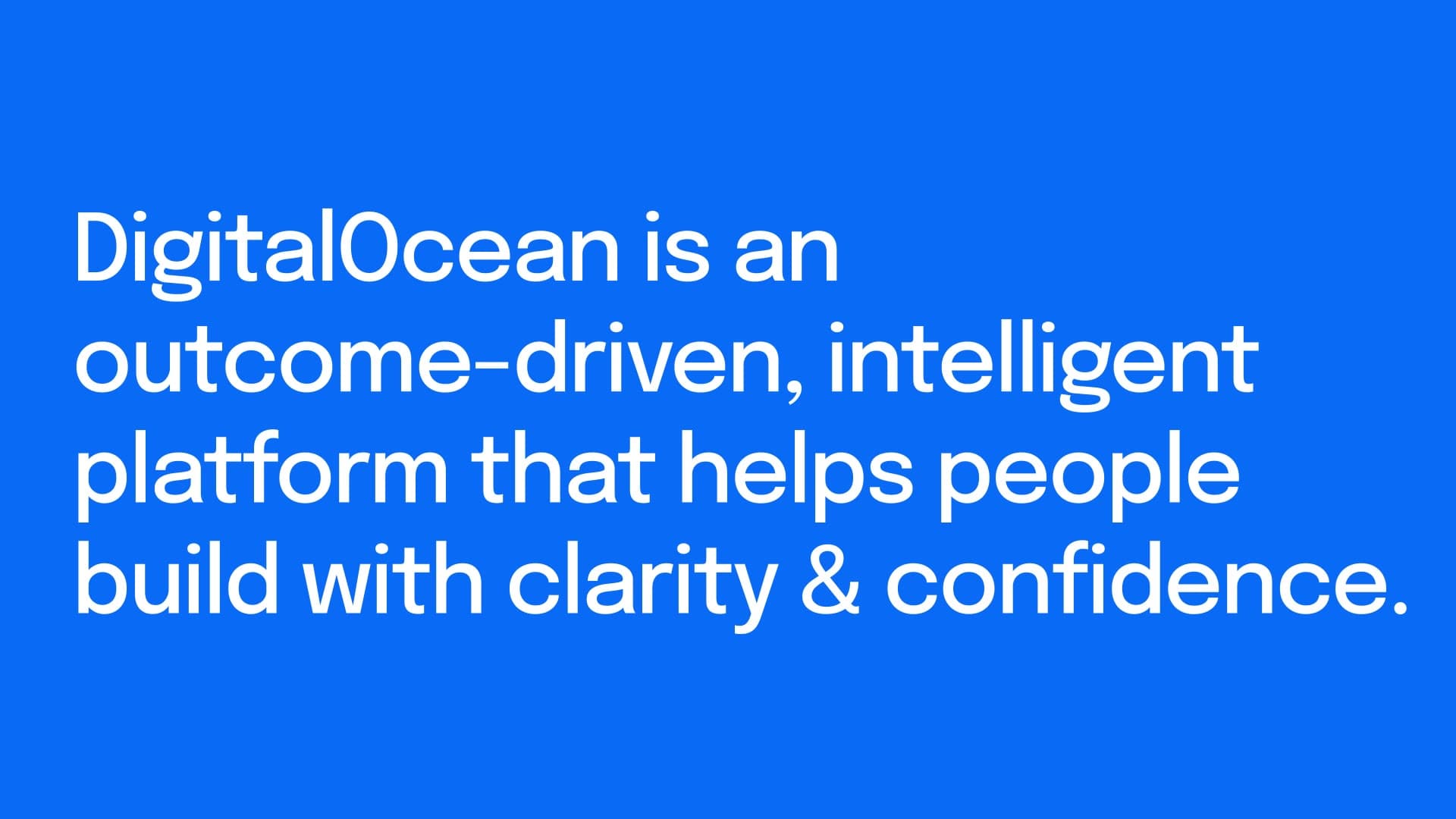
DigitalOcean closed that gap once. We made the cloud feel simple. Getting started was easy. Over time, more choices arrived, and what was simple got harder to see.
do.next is a Shared Services initiative to bring that clarity back. The seven-minute vision video gets the company on the same page about where we're headed. The work underneath, the thing the company actually uses, is a customer-empathy reading packet, a leadership playbook, and a plan that turns future concepts into near-term shipping.
I led design strategy, research synthesis, art direction, and motion direction.
Vision video, available for review on request
The seven-minute video is shared privately with recruiters and clients on request. The stills below cover the major beats.
The foundation
Built from four customers.
Before we wrote a frame of the video, we wrote four customers. Each is a composite from real evidence: customer interviews, Ideas Portal, call notes, NPS comments, support patterns. The video is built from short scenes drawn from these customers, snapshots of what they need. Together they show what do.next was built to make possible.
LucentAI is a small AI research lab leaving a hyperscaler. Cost matters, but what they're really looking for is control.
StudioMosaic is a design-engineering studio in Mumbai running thirty client environments. Their growth problem is administrative overhead, and they want the platform to stay invisible.
Kindred Systems is a seven-person AI startup shipping at startup speed. They want speed they can trust: fast and reliable together.
Orion Labs is a well-funded enterprise training big generative models. They have capacity, but what's missing is transparency. Their users aren't asking for more power. They're asking for an explanation.
The four stories share a cast of archetypes. An infrastructure lead who wants to see what's happening. An automation engineer who wants the system to behave the same way twice. A designer who wants the data to be legible to people who aren't engineers. A founder, director, or CFO who wants the spend to match the forecast. The same humans recur across every customer scale; the platform we're building has to recognize them.
The starting point
What we had to move past.
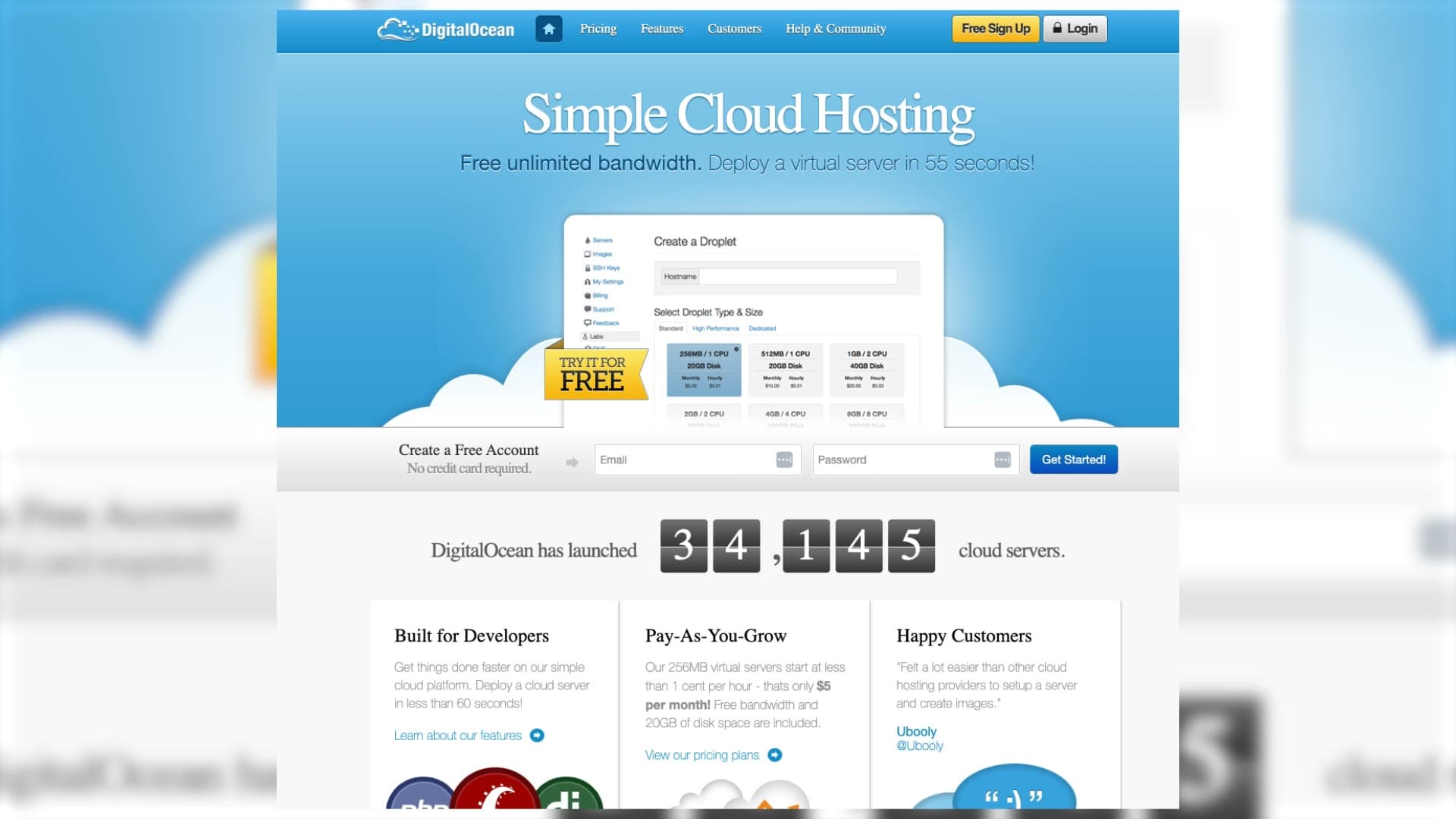
The DigitalOcean a developer used to know was a form. Choose an image. Choose a size. Choose a region. Choose options. Add a key. Click create. The form was famously simple, and that simplicity was the company's first growth engine. It is also where the work stopped. The platform waited, patient and unhelpful, for a developer to know what they wanted before they ever asked for help knowing it.
The unlock
Type anything. Launch, scale, ask.
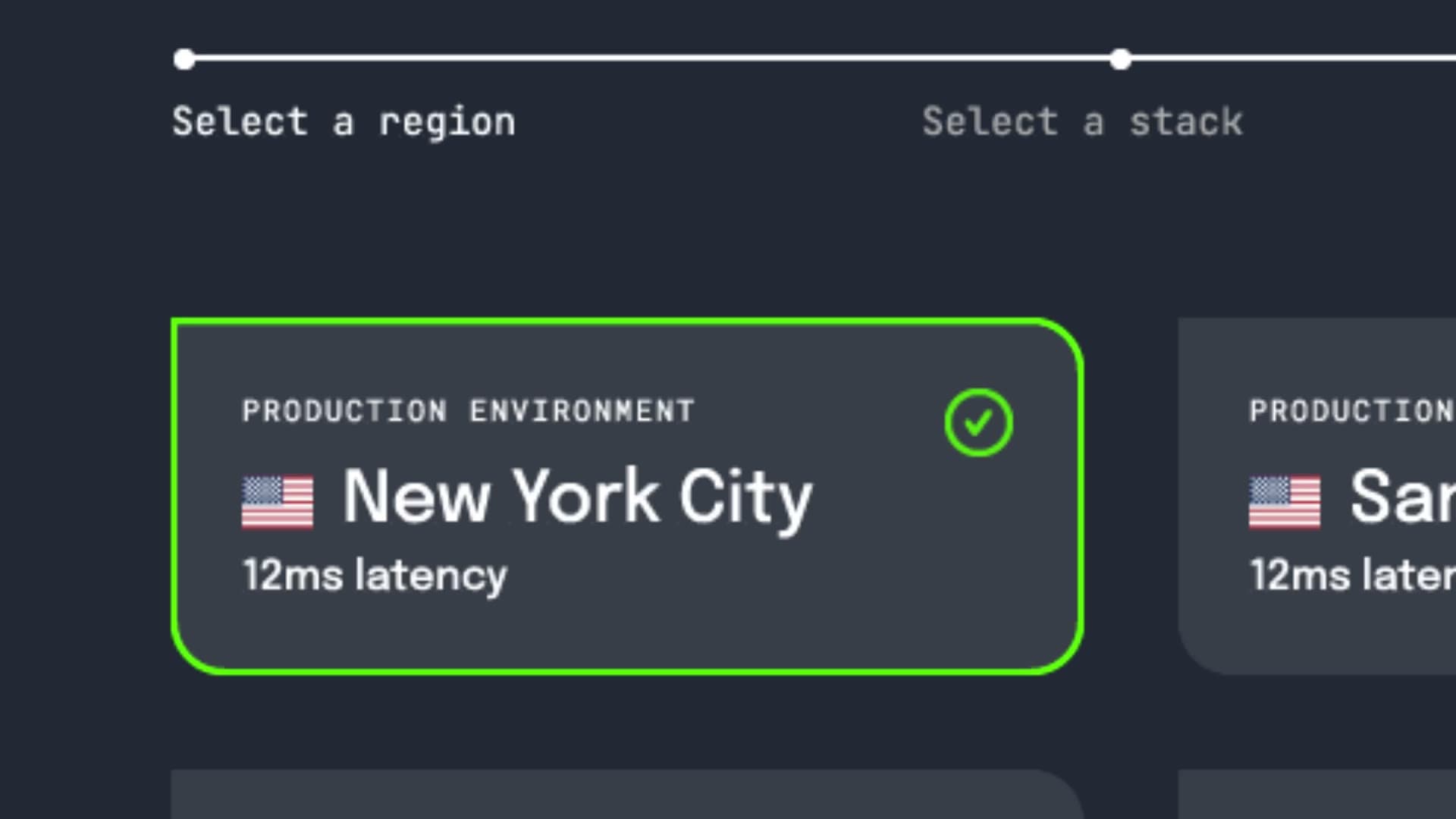
The center of the new platform is one input: a monospace prompt that runs across the top of every page and waits, cursor blinking, for a sentence. Launch a droplet in NYC. Scale my postgres cluster. Search the docs for managed Redis. Investigate the latency on api-gateway-prod. The product no longer asks a developer to remember which tool answers which question. The prompt does the routing.
Vignette one · StudioMosaic
A latency spike at the end of the day.
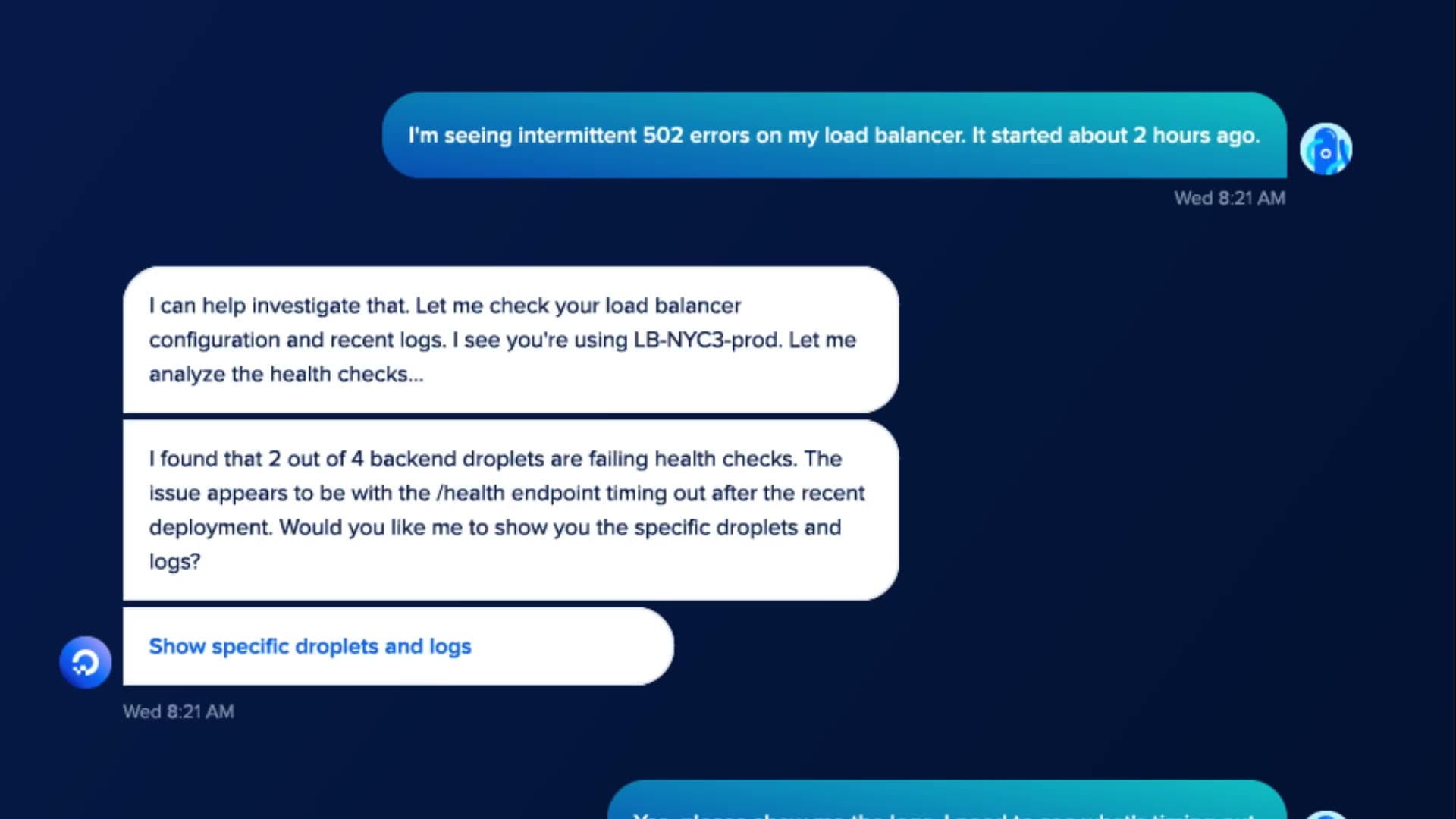
StudioMosaic is a design-engineering studio in Mumbai. Their work keeps their clients' worlds online. Maya manages the accounts. Serena runs operations. It's late in the day when a Slack alert lands: latency is spiking. They tell the platform to run an investigation, and the system responds in plain language, without jargon or guesswork.
Most days they'd fix the issue from inside Slack. This one feels different. They want to look a little deeper before they act. In the control panel the investigation is already waiting. First things first, keep the client safe: a quick rollback holds the line while they sort it out. A moment later, confirmation arrives: the rollback succeeded.
Now they can solve the root problem, and it's obvious once they see it. Set the service to autoscale, exactly what DO recommends. Preview the change. Test it. Everything stabilizes. The client never knew how close they came to an outage. Maya and Serena knew. DigitalOcean knew. Together, they handled the whole thing with calm, clarity, and almost no lift.
Vignette two · Orion Labs
Anjali wanted a report.
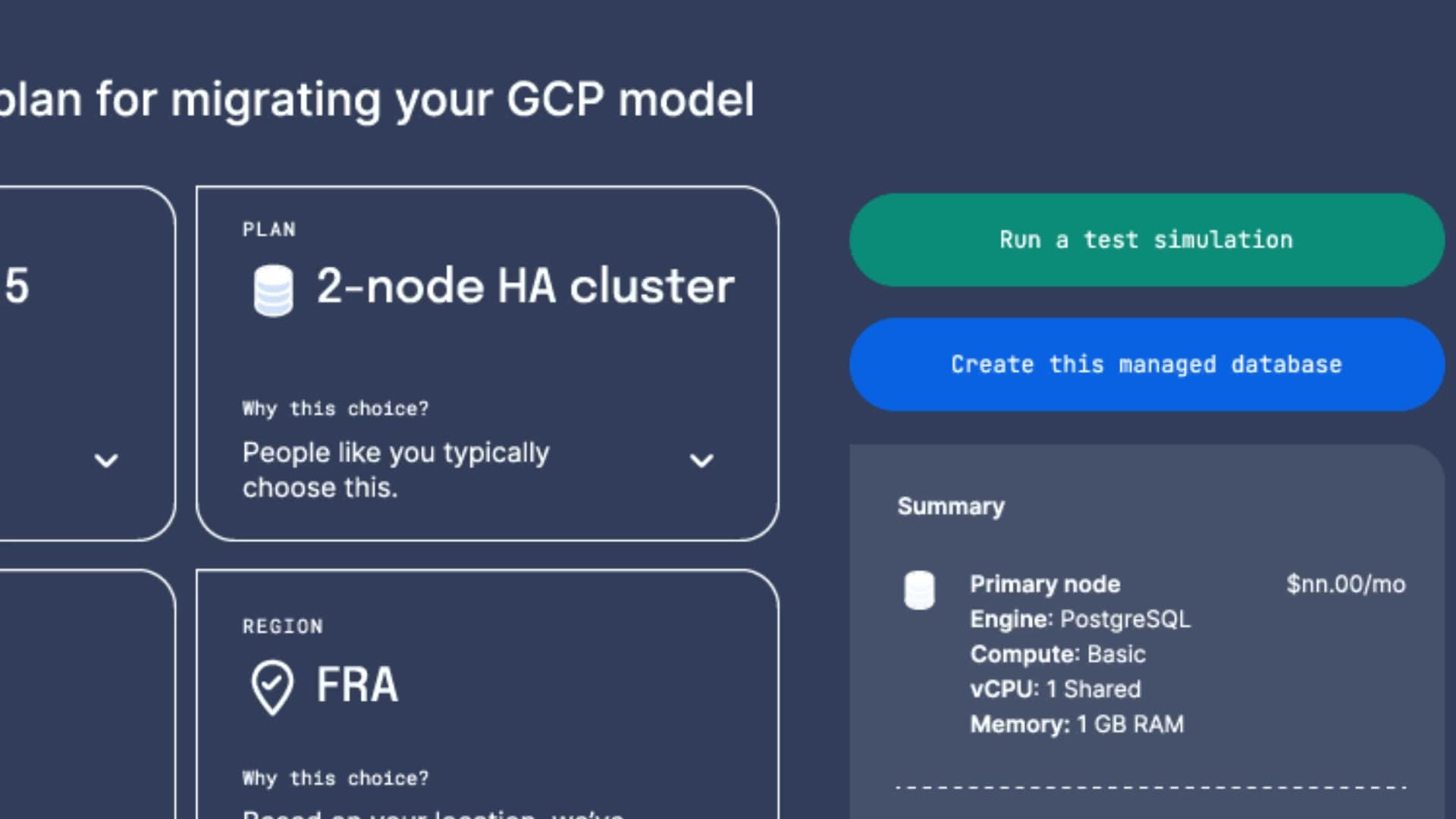
Orion Labs trains huge generative models. Their work turns data into imagination. Their CFO, Anjali, is the one who has to make the math add up. Every experiment racks up GPU minutes. She needs a clear view of spend from the last month. Her team built her a dashboard for it. She's not convinced; tools like this usually break the moment you need them. Still, she clicks.
It's there, clean, straightforward, tailored for her. One thing catches her eye: a suggestion from DO about how to save money. Seriously? They're telling me how to spend less? She tries the simulation, and it shows the change, the impact, the new bill: eighteen percent in savings. That's not nothing. She sends it to her team, approves the update, and notifies the rest of the org.
She thought she wanted a report. Turns out she wanted a decision. The safety net helps too: she can roll the change back for the next 48 hours if anything feels off. With one adjustment, she has something she hasn't had before: a real sense of control. She can shape the spend herself now, in the moment.
Vignette three · StudioMosaic again
Ninety seconds. That's all it took.
StudioMosaic is growing: a new client, a new request, another chance to move fast. Serena opens the Copilot bar. Add monitoring for Client A. The Marketplace slides in right where she's working. The defaults look right. The price looks right. She installs it. A moment later, monitoring is added to all of Client A's projects. It takes ninety seconds, start to finish. Serena walks away feeling like she can take on the whole week.
Vignette four · One conversation
One conversation, across every surface.
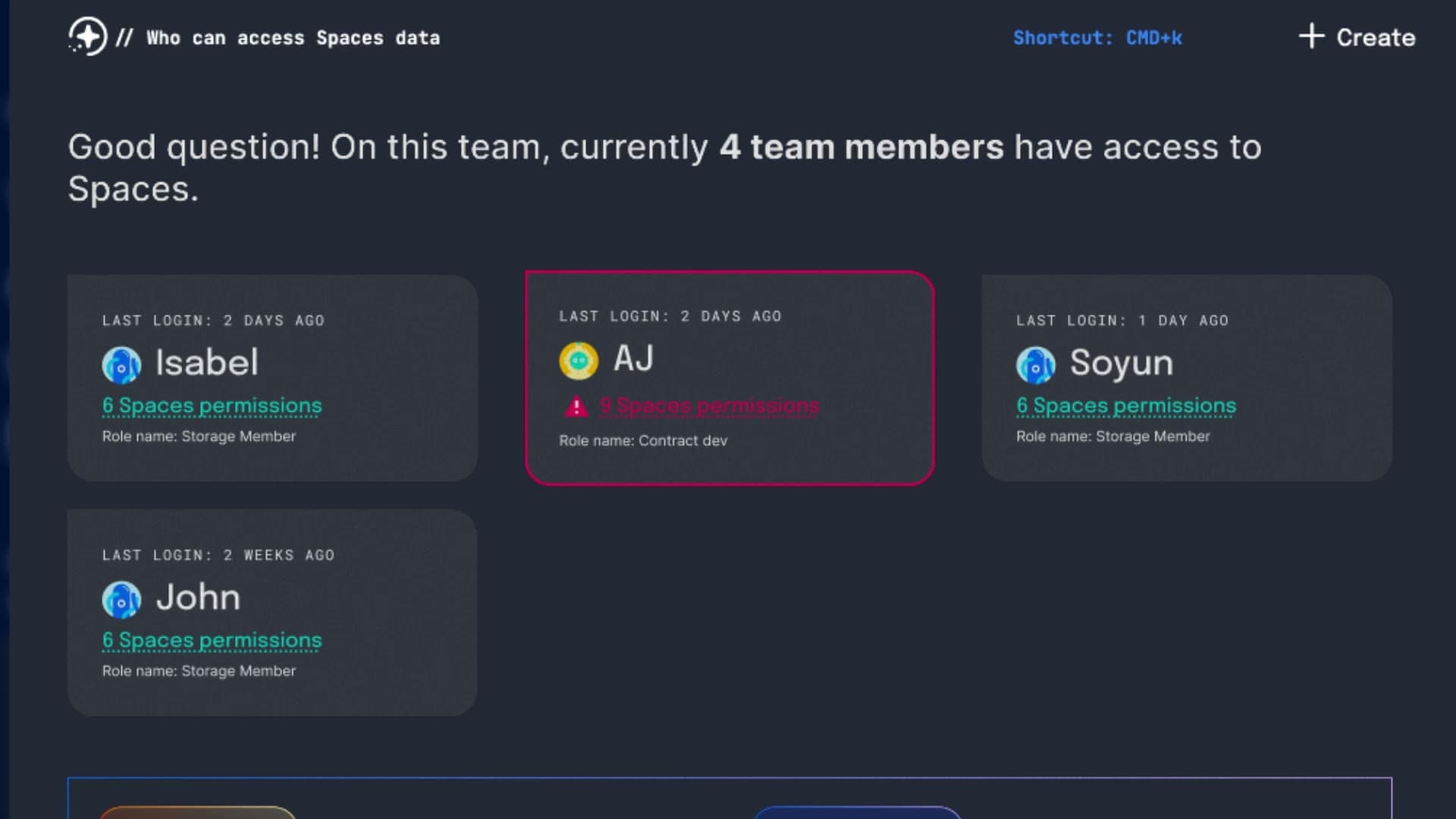
Serena opens a support thread in the Control Panel Copilot. Hours later she switches to the CLI. The same conversation is right there waiting. Continue troubleshooting? She does. The dialogue flows through Console, CLI, and Support, uninterrupted, aware of everything that came before. When a DO engineer joins, they see the full trail: logs, commands, outcomes. The issue gets resolved without anyone repeating themselves.
The platform that knows you
Welcome back, by name.
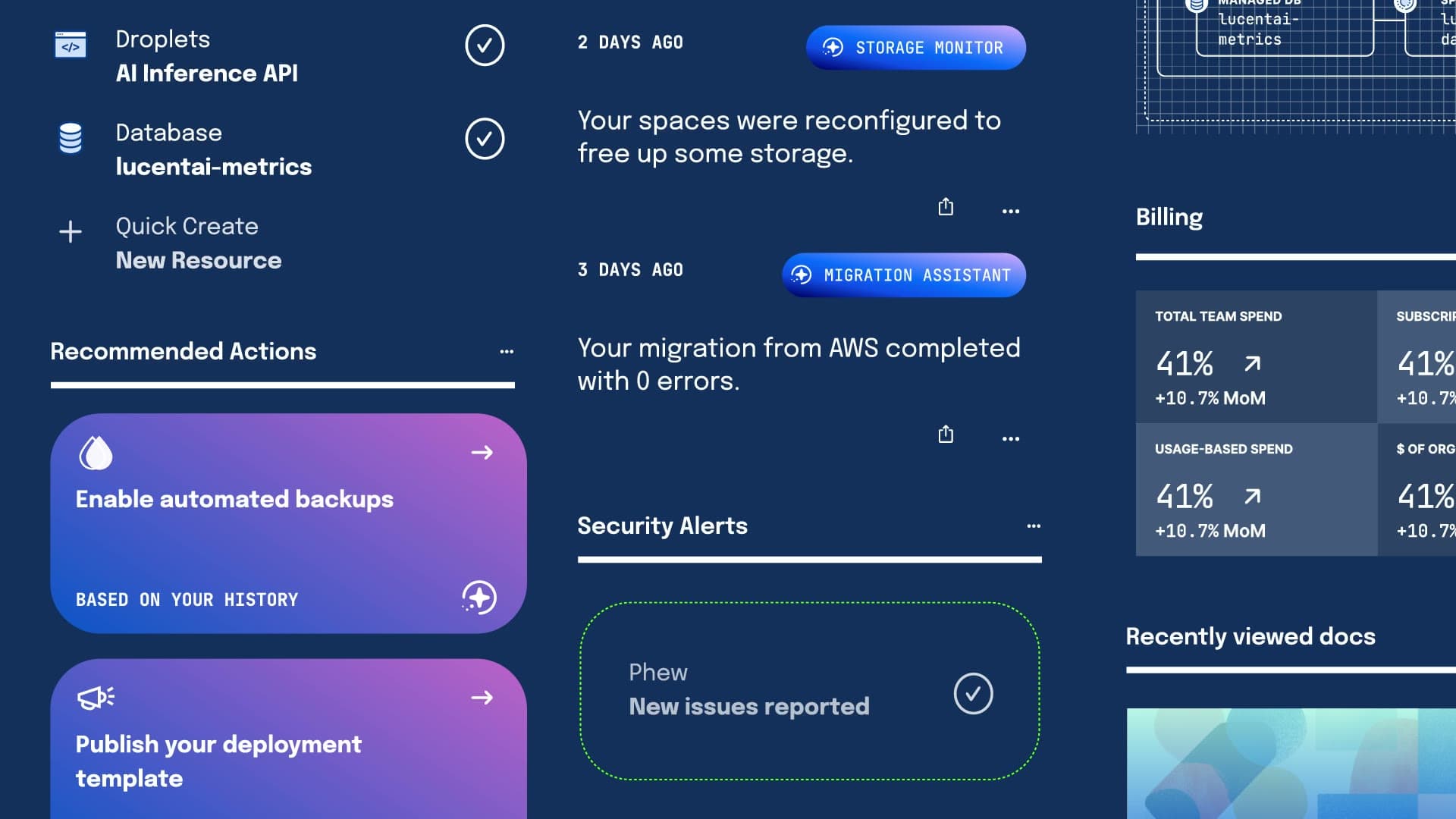
The dashboard greets the developer the way a colleague would. It already read the activity feed; it already knows the migration finished; it already saw the spend trend. The opening line is a paragraph in plain English with the next two actions ready to click.
From vision to rollout
A video, then the work.
A vision is only useful when other people can use it as a compass. The video is the headline; the work is the rollout. We paired the do.next vision with a phased plan that converts each concept into a shipping bet.
The shell and navigation rolled out in phases through the Control Panel: we collapsed the legacy left rail, introduced the universal prompt, layered in outcome-based menus, then added a contextual workspace mode and dark theme. Phase one shipped first; the rest follow on a calendar. I keep a public-facing rebuild of that shell on this site as Seashell UX; it uses the same vocabulary and the same phased thinking, kept generic so anyone can poke at it.
The customer-empathy reading packet served as the pre-read for a Shared Services leadership offsite. It bundles four customer composites, a spread-coverage framework, lifecycle tables, and an evidence ledger, so any product team can trace a vision concept back to a real customer ask.
The cross-org product story got used in roadmap reviews to keep teams aligned on the same future. The shared archetypes, in particular, gave product, engineering, design, and go-to-market a vocabulary that didn't fragment when it crossed functions.
A component library and tooling plan rounded it out, scoped under Shared Services Design and UI Engineering, so the surfaces in the vision video could converge on the same shell instead of rebuilding the same patterns locally.
A cloud that listens, learns, and works alongside the people using it.
Outcome
Across LucentAI, Kindred, StudioMosaic, and Orion Labs, the work looked different but the pattern was the same. Each team got back something it had been missing. They all began in the same place we opened with; that tension between what they imagine and what they can actually do today. do.next closes that gap again, so a team can get from the idea to the built thing with far less standing in the way.
Takeaways
- DigitalOcean
- Cloud and Developer Tools
- AI
- Design Leadership
- Long-Term Vision
- Product Strategy
- Customer Research
- Product Vision
- UX Design
- Visual Storytelling
- Motion Direction
- AJ Zichella (Design)
- Soyun Park (Design)
- Isabel Shic (Design)
Up next